I think Medium has one of the best writing experiences on the internet. It's one of the main reasons I have been using the platform for so long. They have designed it in such a way that you can focus solely on your writing.
However, there is more to writing that just writing the finished article. A writer doesn't just sit down, bash out an article and press publish. If only it were so easy...
There are different phases to producing a finished article. The idea phase, the research phase, the "choosing a catchy title" phase (much more important than I initially realised) and many other elements that go into producing a well rounded article worth the readers' attention.
I used to have a convoluted process that involved different Notion templates, generative AI for the titles and pexels.com for choosing the images. I then had the added overhead of putting my articles on different sites. My blog, Medium and occasionally Substack (I still can't work out if this is worth it).
The process worked but it was cumbersome.
I wanted a tool that would allow me to do all of this from one place. We live in the world of AI now. I'm a software developer. Why not build what I wanted myself?
So I did.
And here is the result - https://medriter.com/
What Is Medriter?
It's exactly what it says it is at the top of the homepage: "Medriter is a local-first desktop app for writing articles and publishing them to Medium and your own blog — in one click."
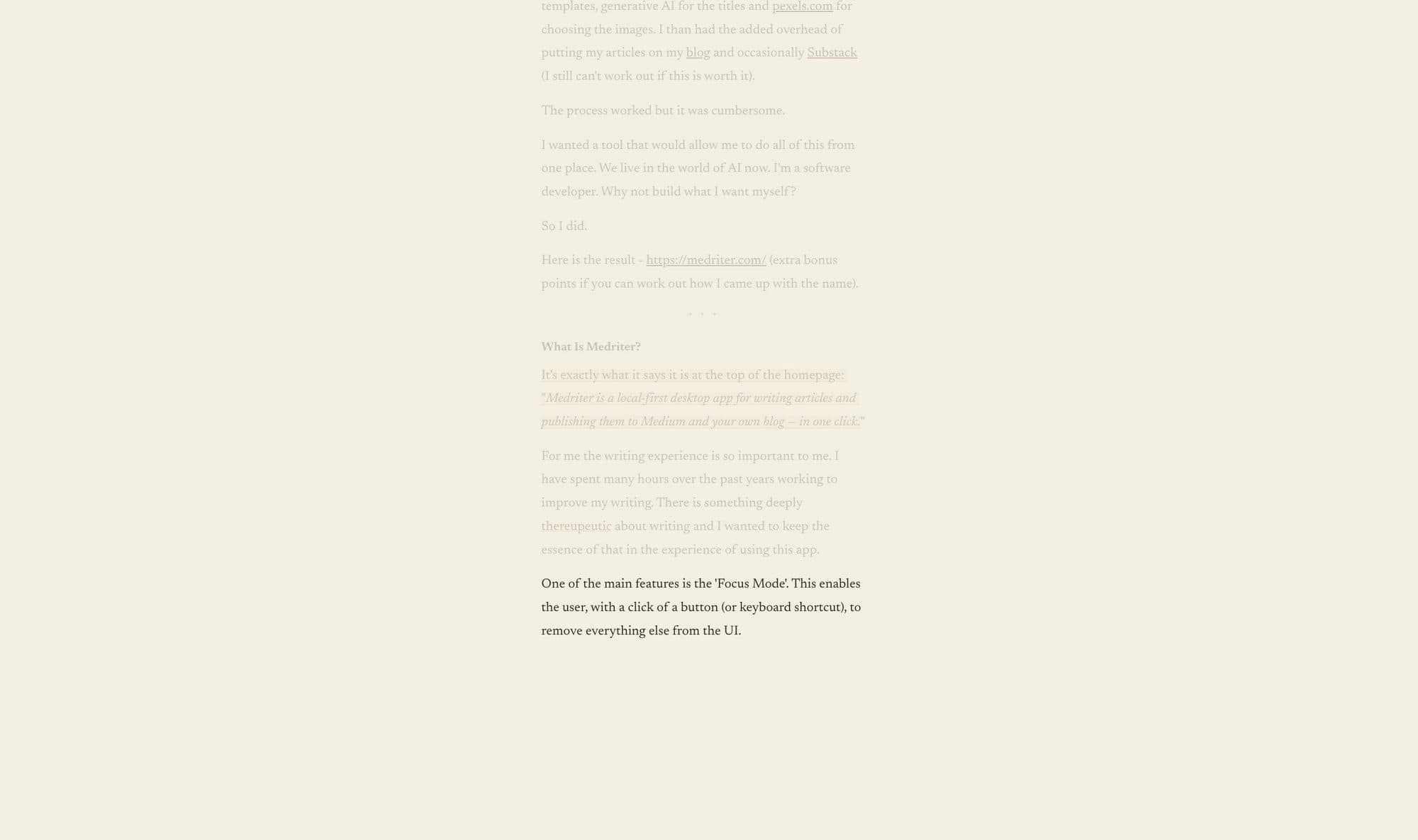
For me the writing experience is so important. I have spent many hours over the past years working to improve my writing. There is something deeply therapeutic about writing and I wanted to keep the essence of that in the experience of this app.
One of the main features is the 'Focus Mode'. This enables the user, with a click of a button (or keyboard shortcut), to remove everything else from the UI.
The Writing Flow With Medriter
I have split the writing flow into four parts.
- Ideas
- Write
- Review
- Publish
This was the natural flow I had grown into over years of writing articles. I always have ideas for articles so it was imperative to have a place where all of these could be captured.
The ideas section lets you capture all the things that come to mind in one place. I use it to begin arranging the structure of the piece, collect relevant links and start developing and flushing out my ideas.
Next up comes the "Write" part. This UI and UX is inspired by Medium's writing experience but with added features.
- Notes section
- Version history (so you can go back to parts you may have removed and they are not lost forever)
- Focus mode
- Keyboard shortcuts to bring up the main editor elements like headings, divider, lists etc.
- "Grammarly" type tool for tightening, fixing grammar or rephrasing parts of the text - cmd + shift + a
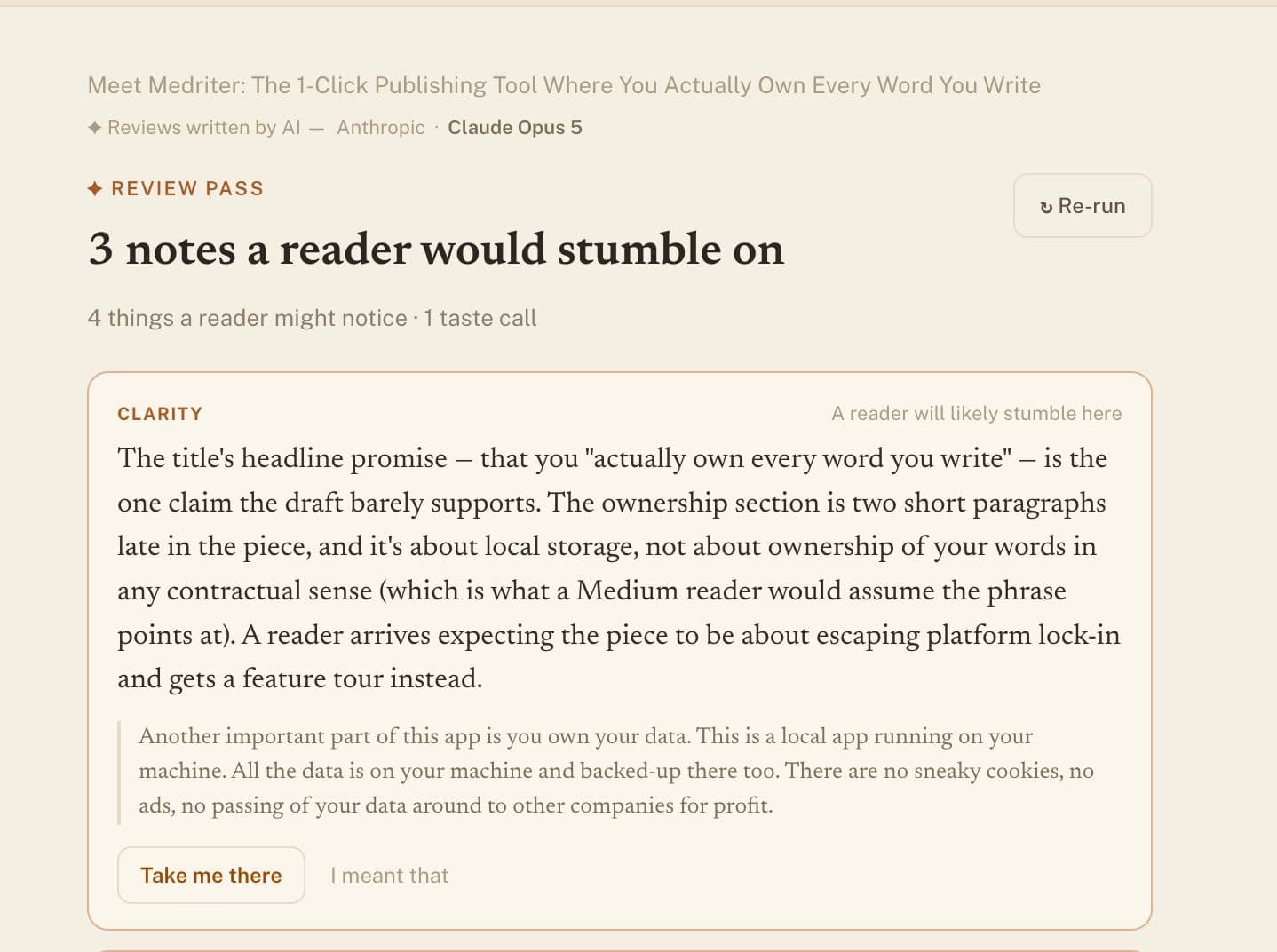
Then comes the "Review" section. This is where AI enters the picture.
My ultimate goal as a writer is to become as good a writer as I can. We have a tool at our disposal that can provide clear feedback on ways to improve at this craft. I think it would be naive to ignore this tool altogether.
However, it is one thing to have AI provide feedback but quite another for it to write the articles themselves. That is why the "Review" section is a separate tab in the UI. It is there to provide feedback but the UX should lead the user to write the article themselves.
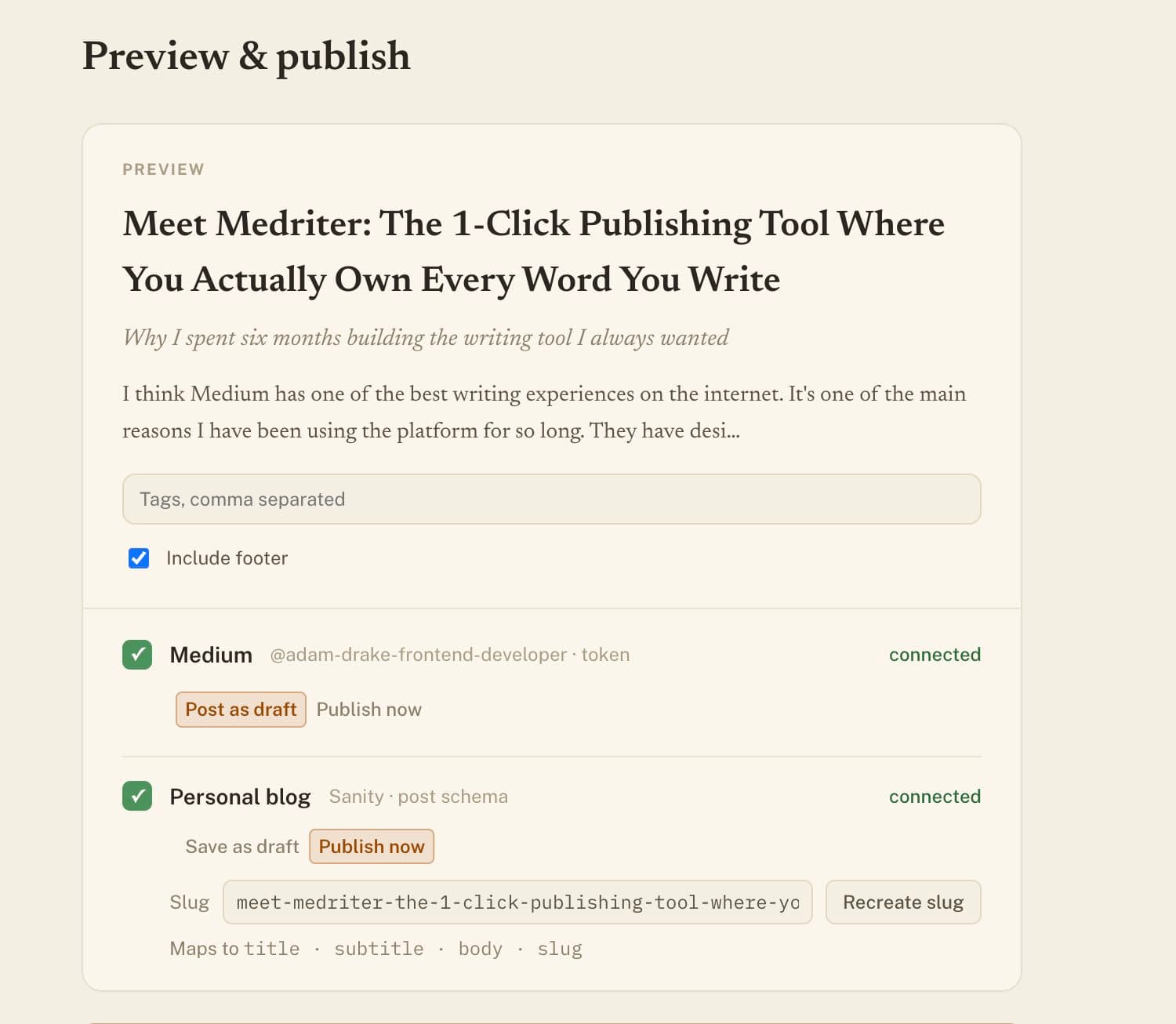
Last but not least is the "Publish" tab. This is where you can push your articles to Medium and your own blog with one click. At the moment only Sanity is supported for the blog format but other blogging platforms can be added depending on future demand. (Write me if you want a specific blog platform added!)
You Own Your Data
Another important part of this app is you own your data. This is a local app running on your machine. All the data is on your machine and backed-up there too. There are no sneaky cookies, no ads, no passing of your data around to other companies for profit.
It's just your writing, saved to your machine and you are free to do what you want with it.
Other Features
Other feature worthy of a mention:
- Copy Article Button - This allows you to copy the whole article (images included) with a click of a button and paste where ever. I use this for Substack.
- AI suggestions for Titles and Subtitles - I always find this part of producing articles difficult so it's good to have a helping hand in this area.
- Backups - All your content is backed up locally to a folder of your choice. Therefore, your writing content will always be safe. Tip: backup to a cloud provided service like Google drive.
- Search popup - Allows you to jump to any article or idea by just pressing cmd + p
How To Get The App
You can download the app on the website https://medriter.com/download It currently only runs on MacOS. There is a 7 day trial period and then if you want to continue using the app it's a one time fee of $29.
Most apps these days are subscription based but I really wanted to avoid that as I know these subscriptions add up. With the one time fee it allows you to get all the small improvements and fixes that are in the version you buy. Current version is v1.
Conclusion
First and foremost I am very happy with the result of Medriter. This isn't some weekend vibe-coded app patched together by bad code and hope. No, this was years in the making. The first few years the idea was brewing away in my head. Then in the last 6 months it became an actual reality.
I am using it everyday to write and it's enabling me to focus solely on the my writing.
It's now time to release it to the wild. I was a little hesitant to do this because I am sure it won't be to some people's taste and there may be some negative feedback. However, I am hoping it will be able to help some writers along their journey and provide a better writing experience for them.
Please let me know if you use the app and if it provides a good writing experience for you. If you think of ideas or improvements please let me know. Happy writing!